
I use PowerShell for many things, but did you know you can also play games in PowerShell? In this blog post, I will show you a few that are nice to play while waiting for your installation to complete or your code to compile 🙂
PSHangMan
Something that I played when I was young, a simple game to draw on a piece of paper… Hangman 🙂 PSHangMan is the PowerShell version made by Emil Larsson, and you can install it using:
Install-Module -Name PSHangMan
Import-Module PSHangman
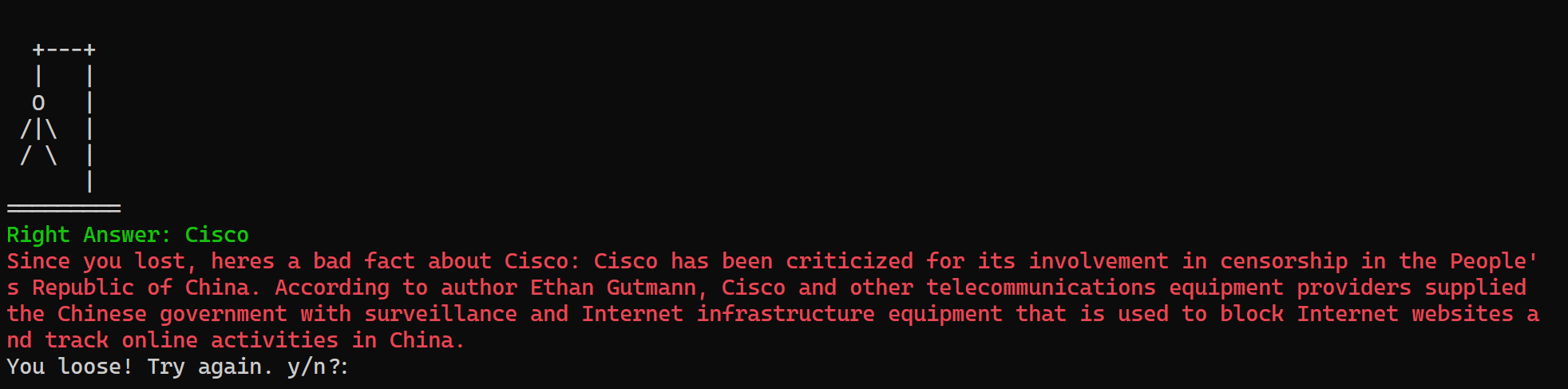
After installation, you can start a new game using New-HangManGame in a PowerShell prompt:

I didn’t correctly guess Cisco 🙂
PSWordle
It’s probably something that you’re familiar with, Wordle 🙂 It’s a simple word-guessing game that is still pretty popular! Bradly Wyatt also created a PowerShell version, and you can install that using:
Install-Module -Name PSWordle
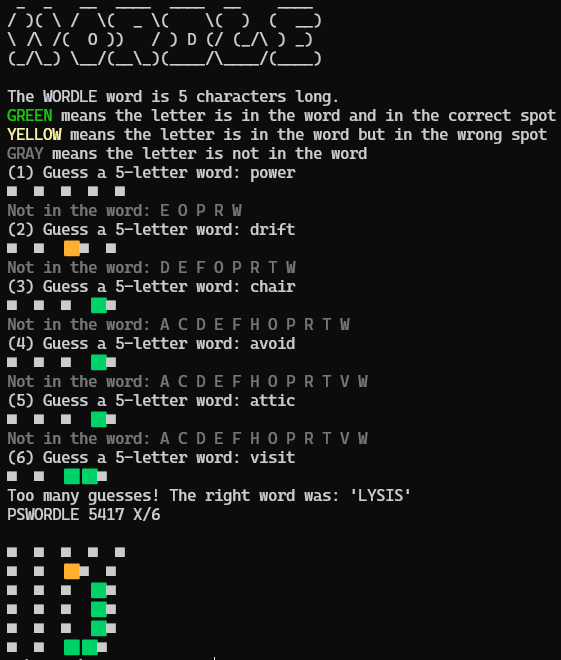
After installation, you can start a new game using New-PSWordleGame in a PowerShell prompt:

You can also use the -UseEmojiResponse parameter for a different format:
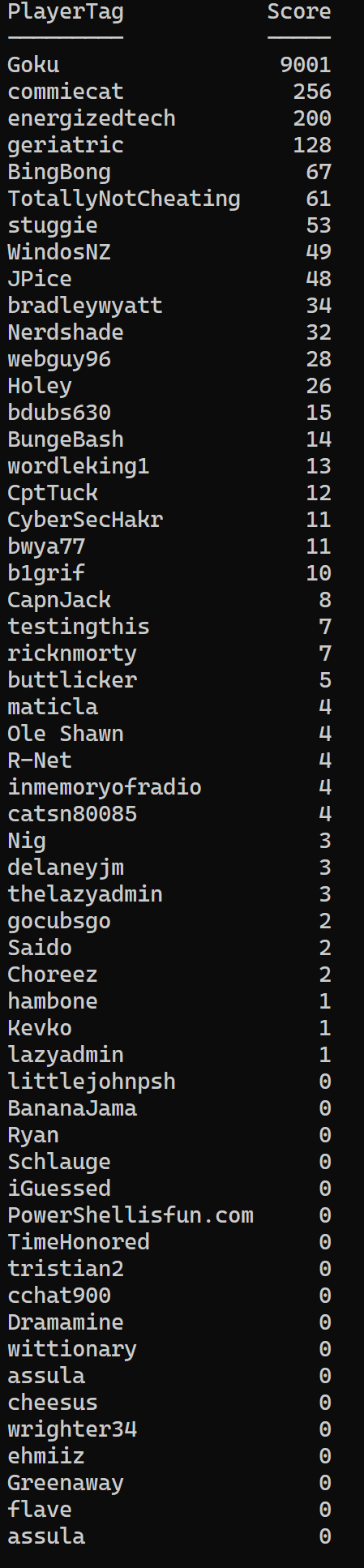
You can also compete online using the -CompeteOnline parameter, enter your username, and start competing against others 🙂

Use Get-PSWordleLeaderBoard to view the leaderboard:
PowerShelldle
This is an online game made by mjezew, Cody Bender, Steven van Dijk, and Steven Stoddard in which you must guess the PowerShell cmdlet. Access it using https://powershelldle.com/. When opening, it will look like this:

You can start typing the cmdlet you think it is. I first thought it was something with Read, but it showed the first character, T. So, after two more attempts, I got Test-Connection 🙂
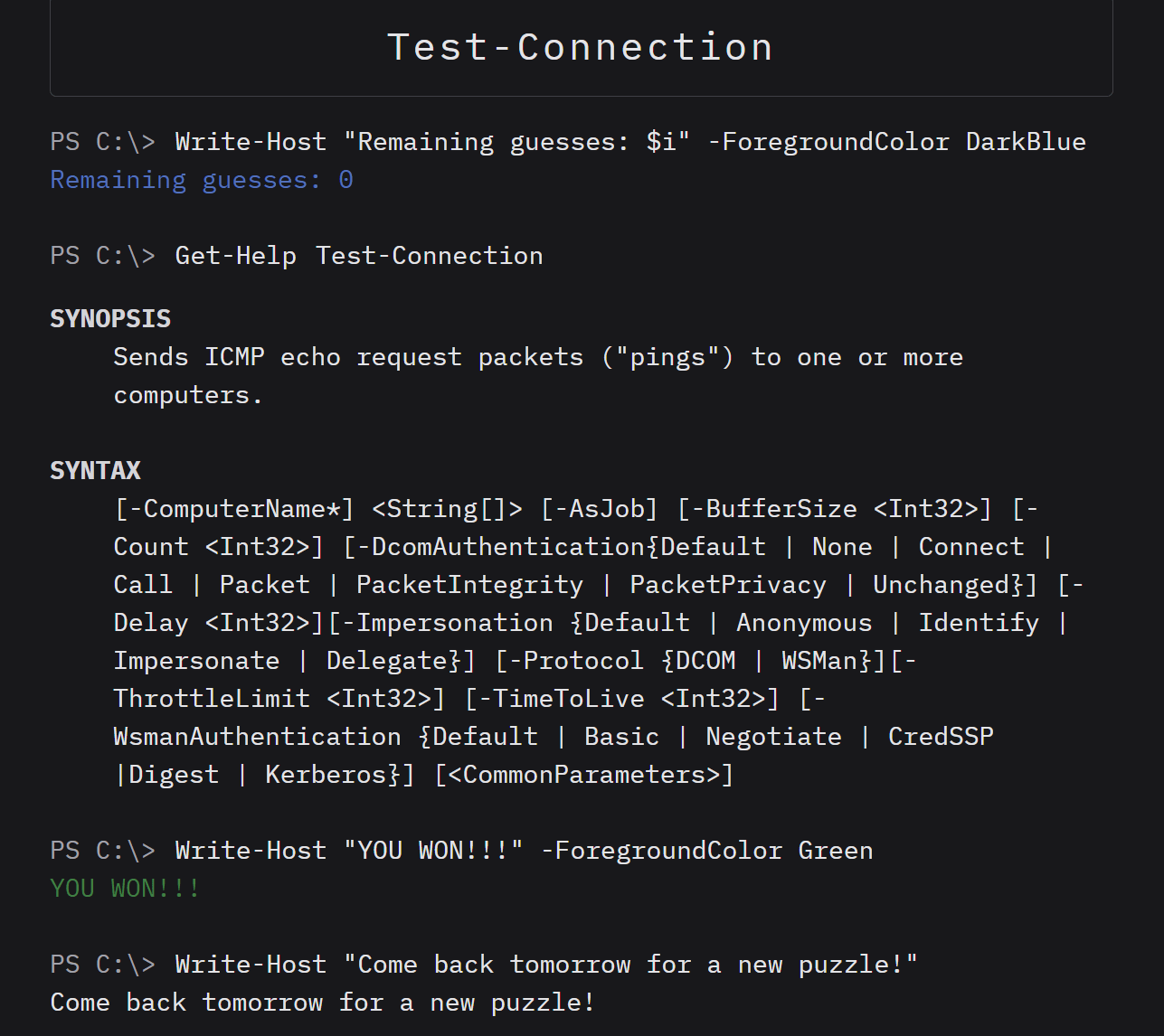
It’s a daily puzzle, and you can do one every day to learn some new cmdlet with its synopsis 🙂
More games?
Do you play or know any other ones worth mentioning? Please let me know in the comments!