
This week, I received my third-anniversary badge as a member of the Microsoft Tech Community. 🙂 The website also got a nice new, modern look this week! In this blog post, I will highlight the changes and knowledge the forum has given me over the years!
What is the Microsoft Tech Community forum?
It’s a forum for everything Microsoft, from SQL to .Net, Windows Server to Microsoft 365, etc. You can join discussions about products, answer questions from people looking for help on their issues and challenges, and be part of a very friendly and helping community.
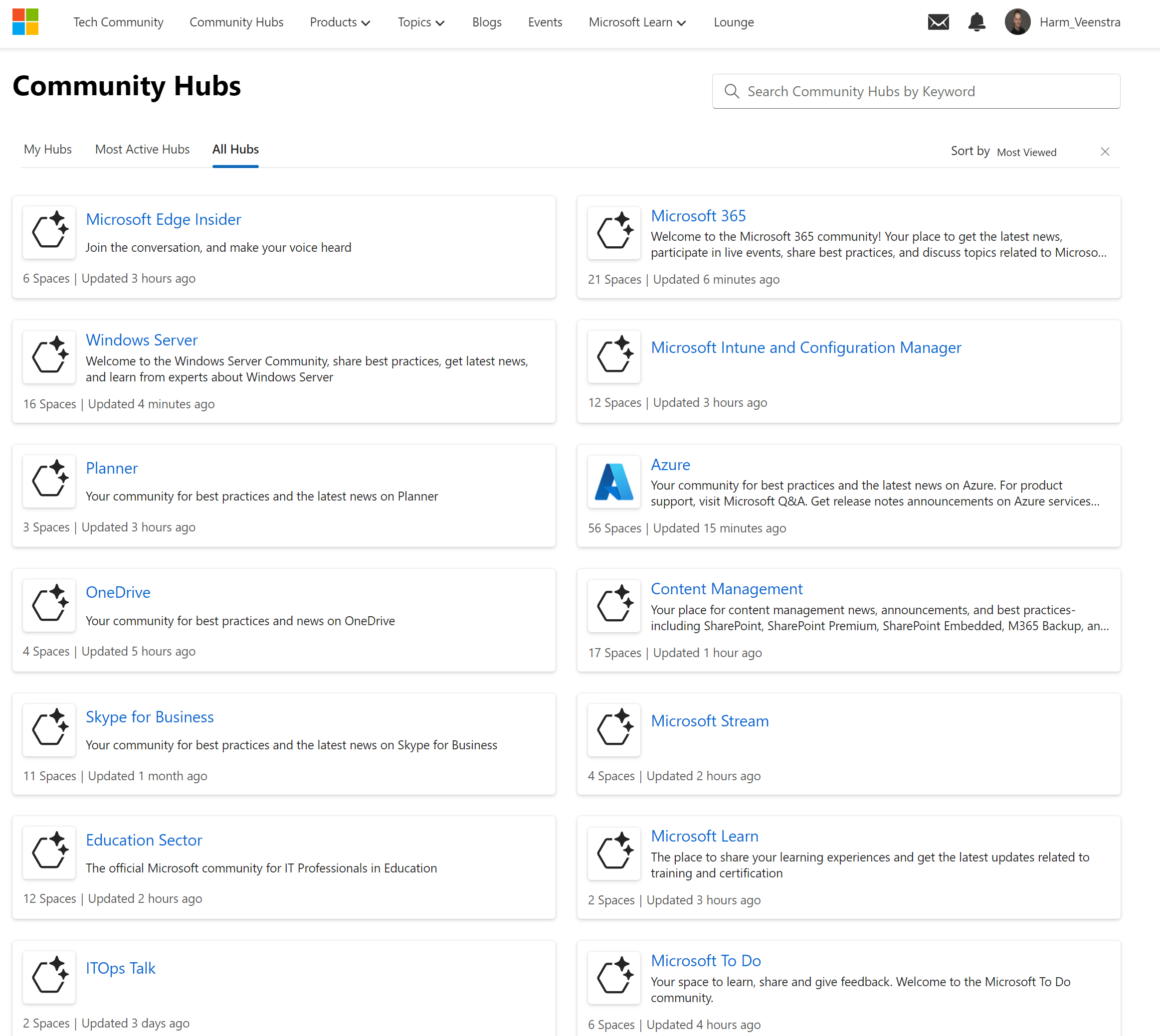
Microsoft hosts it and you can register your account there (And collect different badges for participating in discussions, questions, etc.) and join different Community Hubs and Spaces inside those hubs. For example:
https://techcommunity.microsoft.com/Directory
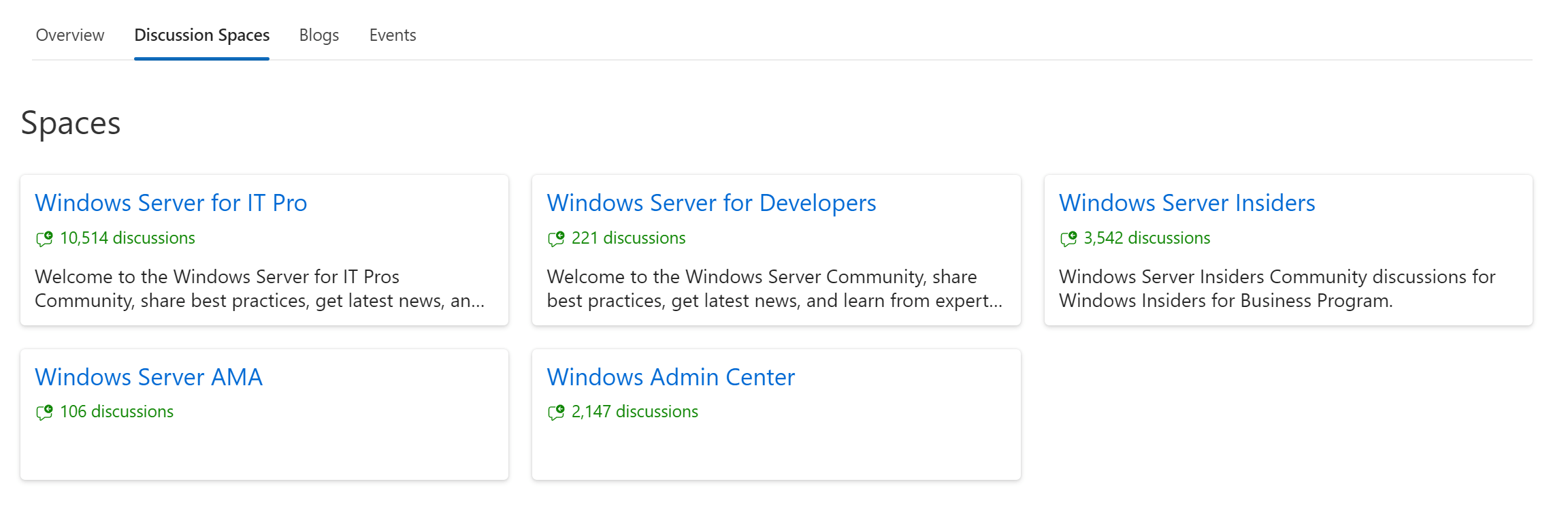
And these Discussion Spaces in Windows Server, for example:
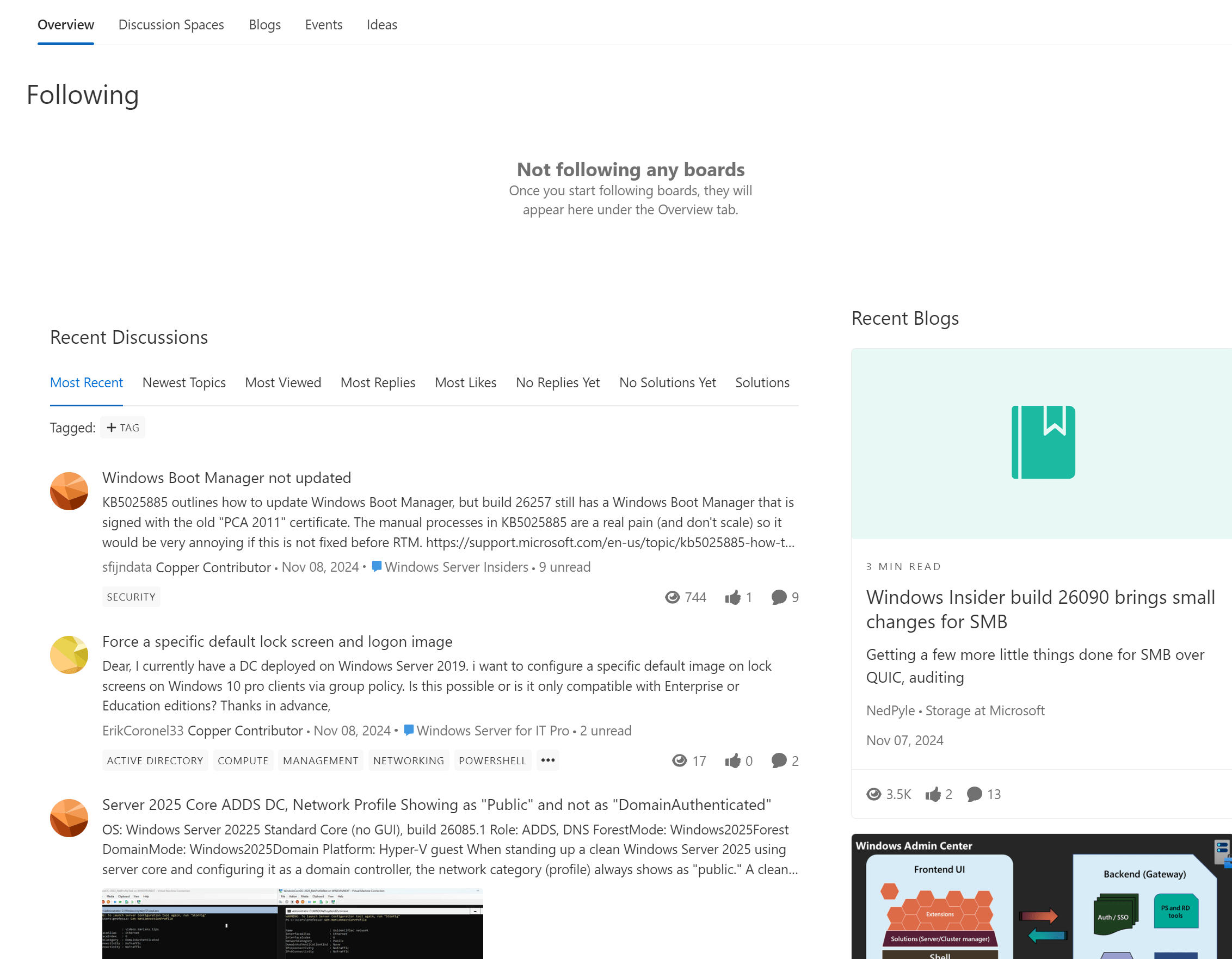
With topics like these:
Recent changes
As I mentioned in the introduction, the site has a new and more modern look. There are still a few bugs and quirks, but the look-and-feel change is welcome after all these years 😉 Things that were added are:
- An easier way to follow Spaces and Community Hubs
- Look and feel
- The editor interface
- Option to sort on Most Recent, Newest Topics, Most View, Most Replies, Most Likes, No Replies Yet, No Solutions Yet, and Solutions
- More languages in the Code Sample for better syntax highlighting
- More and different smilies 🙂
And many more, but still work in progress but a good step forward! (Waiting for the most important one, Dark Mode support 🙂 #TeamDarkMode
What did it give me?
Since I joined three years ago, it has changed a lot for me in a personal and professional way. I was looking for answers to something I was working on and saw topics in the PowerShell space that I had answers to. I dropped my response and got a notification soon from somebody thanking me for that! Ok, are there any other topics that I might help somebody with?
And yes, a lot 🙂 I didn’t always have the correct answer or answer the person was looking for, but I learned so much! I started using a Hyper-V VM with my test.local Active Directory on it to answer questions regarding PowerShell and Active Directory. I answered many questions about scripts that didn’t quite do what people expected them to do, gave feedback on others, etc.
People started sending private messages to me on specific topics, asking for my opinion and connected a lot of them on LinkedIn, Twitter/X, etc. Giving back to the community was fun, and it made me start writing blogs on this site. Sharing knowledge, learning by doing, and helping out others is excellent!
MTC Insider
Eventually I was asked to join the Microsoft Tech Community Insiders, a group of forum members together with the moderators. We discuss things about the forum and all things connected to it, an excellent way of shaping the place that I visit so often 🙂
Should you also join?
Well… Yes! And, no… It depends 🙂 You can browse the forum and read without logging in or contributing to questions and other topics. But if you like a topic, (PowerShell, for example 🙂 ), you can certainly do that and help others needing your knowledge.
Wrapping up
I showed you what I like about the Microsoft Tech Community forum in this blog. Perhaps I will see you there? Have a lovely weekend!
RSS feeds url for each part?
Not that I’m aware of, you can Follow certain topics by selecting the Bell icon in the top right and get notified about Activity that way?
I think that we are losing the option of obtaining information through an interesting one-way communication channel such as RSS …and avoiding in most cases having saturated email
I agree, I follow a lot or RSS feeds for news… I can ask the forum developers if this will be a feature, will get back to you on that!
They mentioned this url, https://techcommunity.microsoft.com/kb/communityfaqs/aurora-update-rss-feed-work-around/4288520, which explains how to turn a url/feed into rss by /t5/s/ in the URL
I can imagine that there is no ETA, but at least, for now that works…
Many thanks Harm for your help and support!
No problem 👌