
This week, on the 17th of February, Active Directory celebrated its 25th birthday 🙂 I will share my experience managing it with PowerShell in this blog post.
What is Active Directory?
“A directory is a hierarchical structure that stores information about objects on the network. A directory service, such as Active Directory Domain Services (AD DS), provides the methods for storing directory data and making this data available to network users and administrators. For example, AD DS stores information about user accounts, such as names, passwords, phone numbers, and so on, and enables other authorized users on the same network to access this information.
Active Directory stores information about objects on the network and makes this information easy for administrators and users to find and use. Active Directory uses a structured data store as the basis for a logical, hierarchical organization of directory information.
This data store, also known as the directory, contains information about Active Directory objects. These objects typically include shared resources such as servers, volumes, printers, and the network user and computer accounts. For more information about the Active Directory data store, see Directory data store.
Security is integrated with Active Directory through logon authentication and access control to objects in the directory. With a single network logon, administrators can manage directory data and organization throughout their network, and authorized network users can access resources anywhere on the network. Policy-based administration eases the management of even the most complex network. For more information about Active Directory security, see Security overview.”
25 years celebration
On Monday, February 17, I was a guest on a Podcast/Video by ScriptRunner. We celebrated the 25th anniversary and discussed our memories of Active Directory throughout those 25 years. Check it out below!
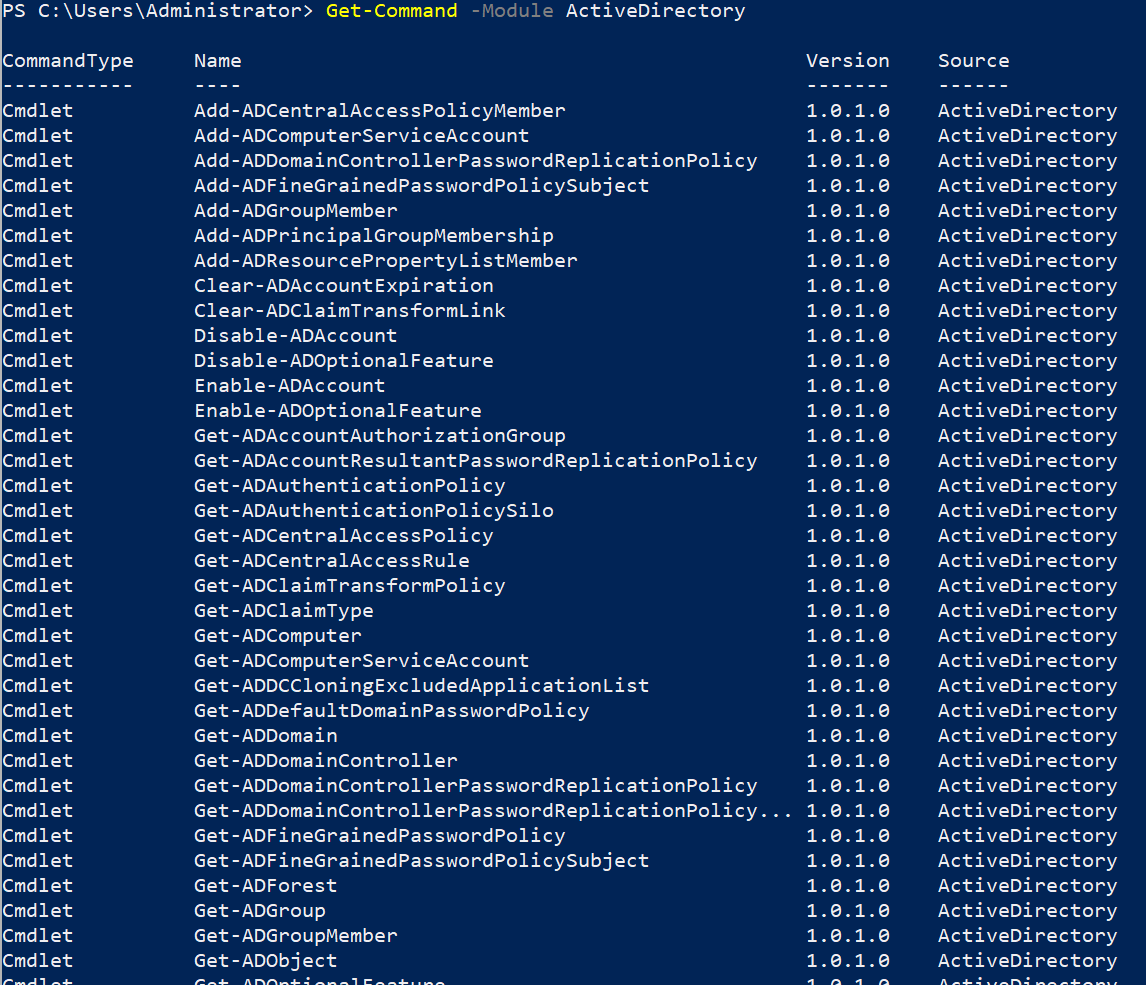
PowerShell and Active Directory
First experience
I started working with Active Directory around 2000 and was working on a big project involving migrating from NT4 domains and Novell to Windows 2000 Active Directory. You managed users and groups using either the GUI (The “Active Directory Users and Computers” interface) or command-line tools like ldifde/code to import/export things between different environments or add to create objects. Things were bat/cmd oriented primarily for me at the time.
Later, at another company, I started using the Quest PowerShell module, which had all kinds of magical cmdlets with the letter Q in them, cmdlets like these:
PS C:> Add-PSSnapin Quest.ActiveRoles.ADManagement
 Get-QADComputer       Retrieve computer objects that match specified conditions.
 Connect-QADService    Connect to AD domain controller (or AD LDS)
 Disconnect-QADService Disconnect from an AD domain controller
 Get-QADGroup          Retrieve groups that match specific conditions
 Set-QADGroup          Modify attributes of group(s)
 New-QADGroup          Create a new group
 Get-QADGroupMember    Retrieve members of a group
 Add-QADGroupMember    Add one or more objects to a group
 Remove-QADGroupMember Remove one or more members from a group
 Get-QADMemberOf       Retrieve group memberships of a particular object
 Get-QADUser           Retrieve users that match specific conditions
 Set-QADUser           Modify attributes of a user account
 New-QADUser           Create a new user account
 Enable-QADUser        Enable a user account
 Move-QADObject        Move an object to a new OU
 Remove-QADObject      Delete object(s) from Active Directory
 Rename-QADObject      Rename an object in Active Directory
 Disable-QADUser       Disable a user account
 Unlock-QADUser        Unlock a user account
 Deprovision-QADUser   Deprovision a user account in AD
Source: https://ss64.com/ps/quest.html
Those were the first Active Directory cmdlets that I used, and they were powerful and easy to use. Creating scripts with them saved me a lot of time and made creating new users and groups a lot easier!
Remote Server Administration Tools (RSAT)
Around 2009, with the release of Windows 7, I started using RSAT to administrate Windows Servers and Active Directory. The cmdlets for PowerShell v2.0, the version that I was using back then after playing with Monad before, I could do the things that I used the Quest module for before that. It lacked some things I was used to with all the Quest cmdlets, but it improved during the years after that and with every Windows Server version.
I also used the Active Directory cmdlets with all the Microsoft Exchange cmdlets in the years after, including Exchange 2007 and its snap-ins, to manage all the Exchange server things.
PowerShell Script Editors
While discovering all the Active Directory cmdlets, I was using PowerGUI from Quest as my primary editor for scripts:
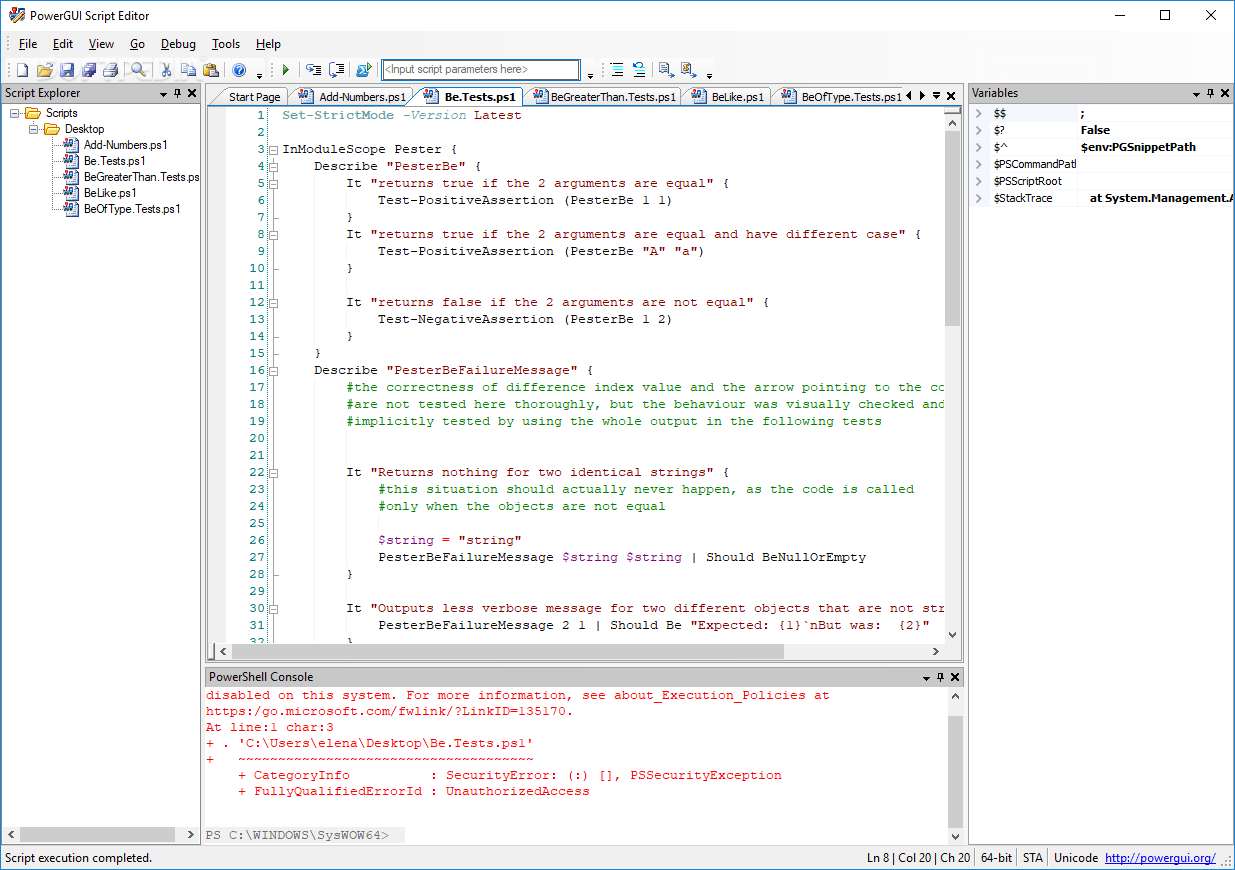
While this was a great editor, I switched to PowerShell ISE (Which was built-in to Windows eventually) together with ISESteroids:
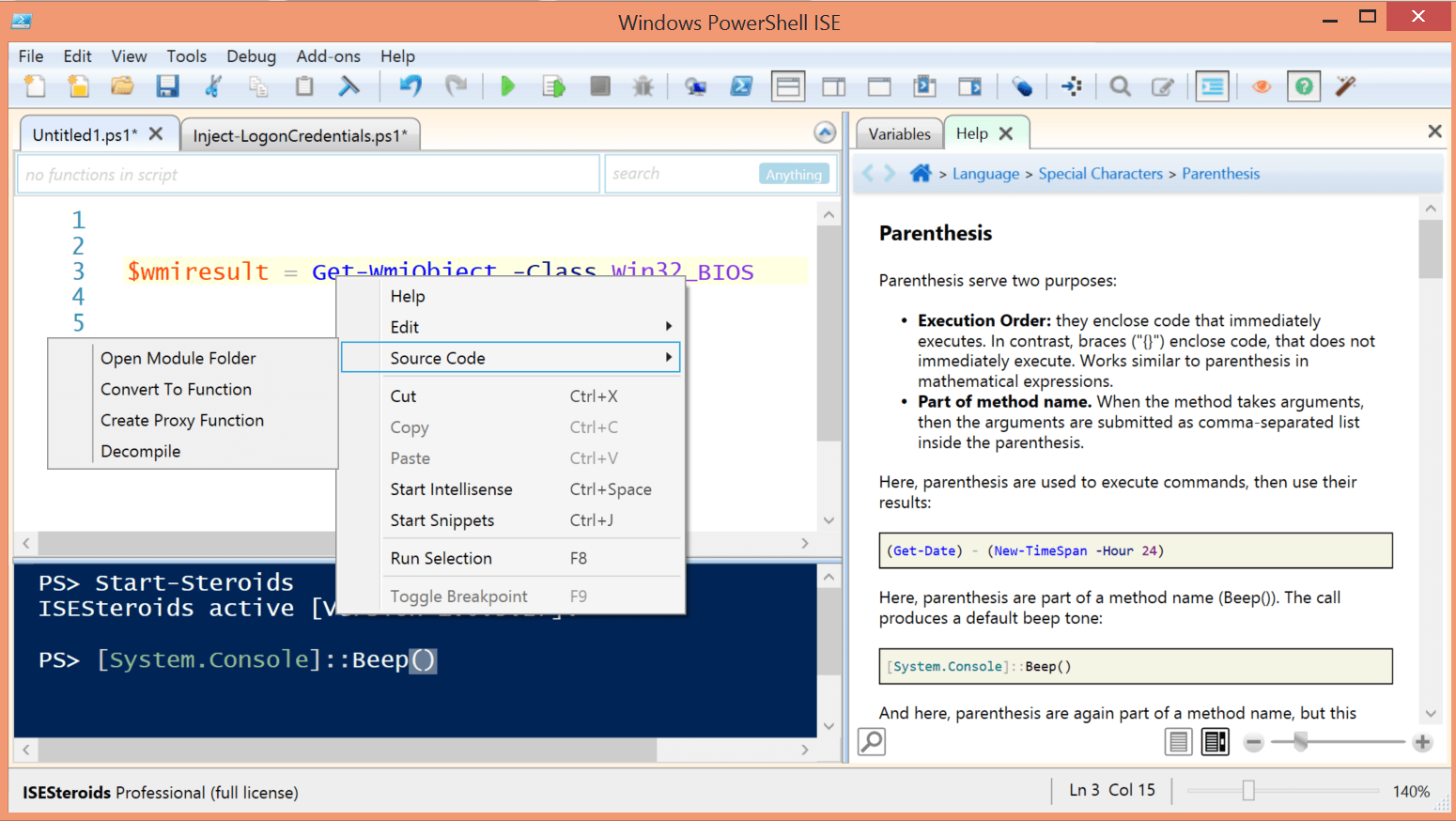
It has many great features, and my scripts looked much better using its formatting. It’s well worth the money, and Tobias Weltner did a great job creating this beautiful ISESteroids tool! (Nice review of it on 4sysops here: https://4sysops.com/archives/take-your-powershell-scripting-to-the-next-level-with-isesteroids/
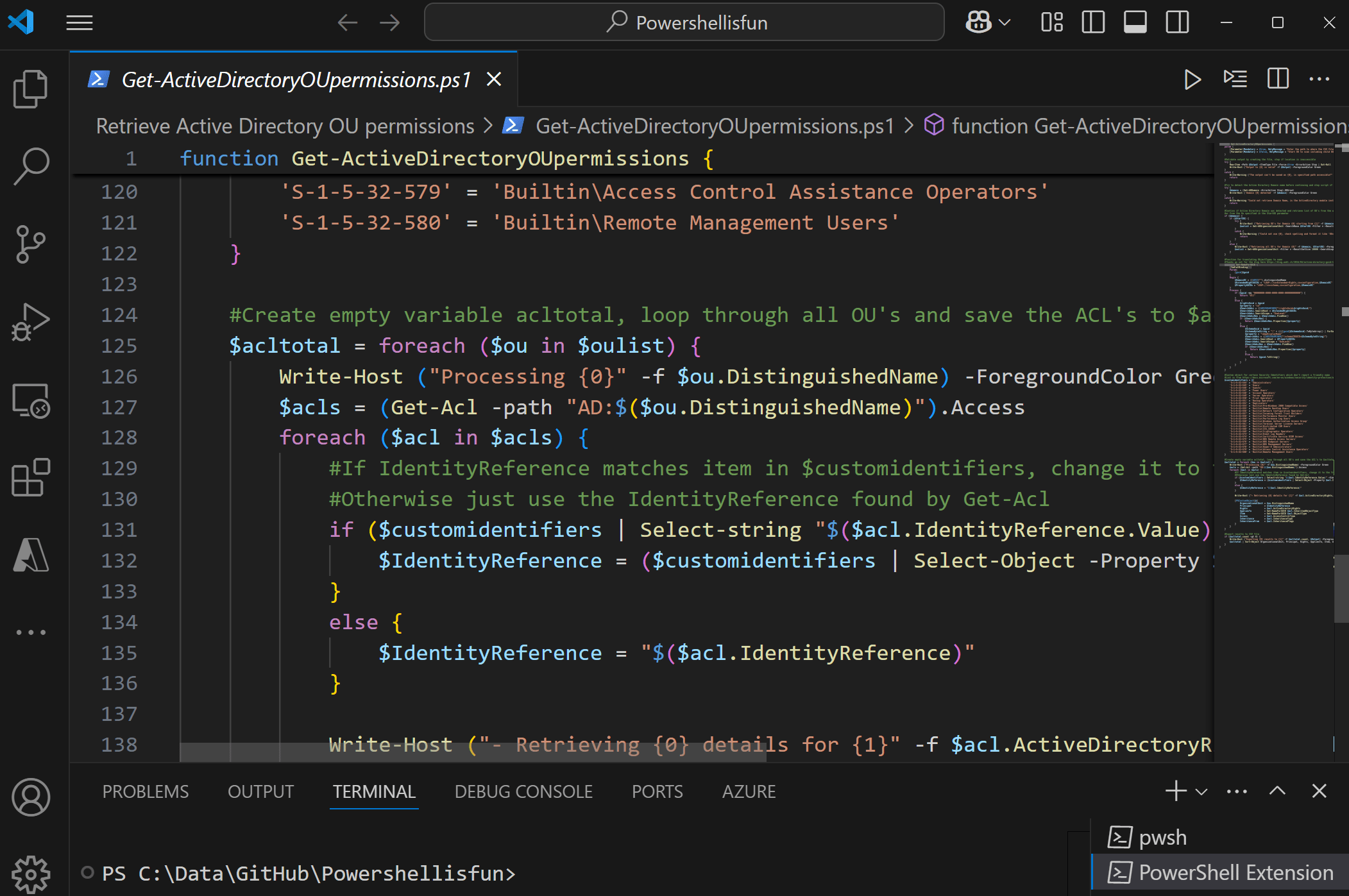
After that, I started using Visual Studio Code, and that’s my editor of choice now 🙂
Building scripts and reports
I still do a lot of that: build scripts to automate (significant) Active Directory changes in users and groups, create reports to check things when auditing environments, and make plans for migrations. (I shared some of those in my blogs here: https://powershellisfun.com/category/active-directory/. I Can’t share them all because they are for specific customers)
Active Directory is a nice big database with objects to play around with using PowerShell cmdlets. Today, I was at a customer and had to check security settings and investigate findings from a penetration test that was done there. Clicking around in Group Policy Management Consoles, Active Directory, and ADSI Edit is no fun, but creating scripts to give you insights and reports is so much more fun 🙂
Your experience?
What was your experience with Active Directory and using PowerShell to manage it? Please leave a comment below if you want to share that :). Have a lovely weekend!
The RSAT Tools are the way to go for AD-DC on Linux via Samba4. However, while PowerShell might be great, in the Linux world it has no meaning (despite Microsoft released it for Linux too).
Anyway, nice article that shows how fast time flies by.
Thanks! And yes, I can imagine that because there are so many Linux bash scripts etc. already. But I do think PowerShell could be useful even for Linux admins, PowerShell even has aliases already in place for them to settled 😅